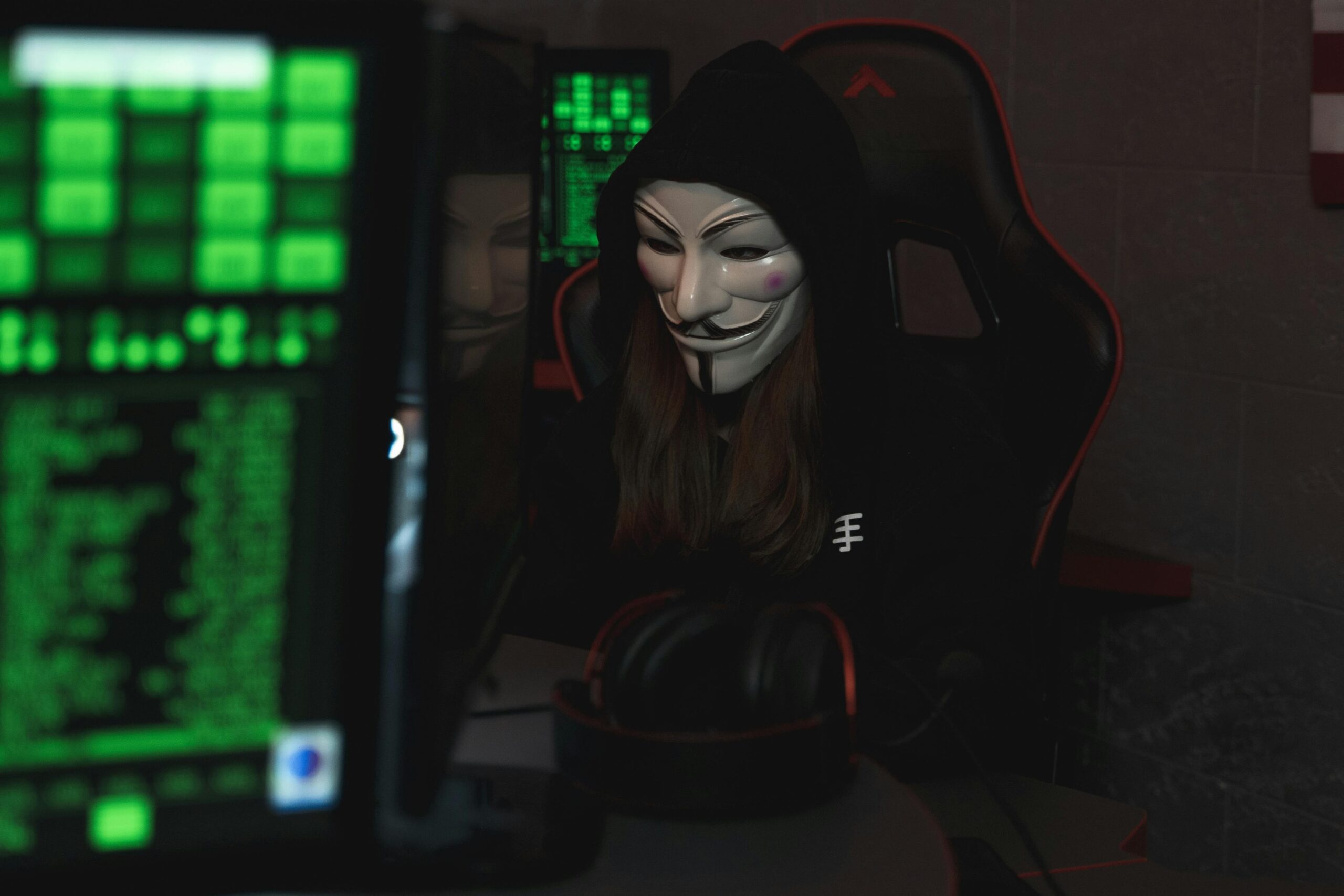
🔐 Cybersecurity at Home: How to Protect Your Devices from Malware, Ransomware, and AI-Driven Attacks
In 2025, home cybersecurity is more critical than ever. With smart devices, remote work, and online banking becoming daily routines, cyber threats are evolving — and hackers are now using AI to launch more targeted, sophisticated attacks. Whether you’re a remote worker, gamer, student, or a casual user, it’s essential to know how to keep your devices, data, and digital identity safe.
In this guide, we’ll explore cybersecurity best practices for home users and show you how to guard against malware, ransomware, phishing, spam, spoofing, and emerging AI threats.
🛡️ What Is Cybersecurity at Home?
Home cybersecurity involves securing your personal computers, smartphones, tablets, and smart home devices against digital attacks that can lead to data theft, system damage, or financial loss.
It includes:
- Installing antivirus software
- Using strong passwords
- Avoiding phishing links
- Setting up secure Wi-Fi
- Enabling multi-factor authentication (MFA)
- Educating your household about cyber hygiene
⚠️ Top Cyber Threats Targeting Home Users
1. Ransomware
Ransomware locks your files and demands payment to unlock them. It can arrive through infected email attachments or malicious websites. Once inside, it can encrypt everything — from your tax files to your family photos.
Protection Tip:
✅ Use cloud backups and enable real-time antivirus protection to detect threats before they execute.
2. Viruses and Malware
These programs can slow down your computer, steal data, or give hackers access to your files. Malware can also come from USB drives, pirated software, or fake downloads.
Protection Tip:
✅ Install a reputable anti-malware program and schedule regular system scans.
3. Phishing and Email Spam
Phishing emails trick you into clicking malicious links or revealing personal info like login credentials or credit card numbers.
Protection Tip:
✅ Use an email service with spam filters, and never click on suspicious links. Always verify sender identity.
4. Spoofing and Social Engineering
Hackers pretend to be someone you trust — like your bank or a coworker — to manipulate you into giving them access or info.
Protection Tip:
✅ Be skeptical of unexpected requests, and verify via phone before acting on sensitive instructions.
5. AI-Powered Cyber Attacks
Hackers now use AI algorithms to mimic your writing style, clone voices, create deepfake videos, and generate convincing phishing content — all designed to fool you or steal your credentials.
Protection Tip:
✅ Stay updated on emerging threats, use multi-factor authentication (MFA), and monitor accounts for unusual activity.
🏠 Cybersecurity Best Practices for Home Users
✅ 1. Secure Your Wi-Fi Router
- Change the default admin password
- Use WPA3 encryption
- Hide your SSID (network name) if possible
- Update router firmware regularly
✅ 2. Install Antivirus and Firewall Software
- Choose well-reviewed tools like Norton, Bitdefender, or Malwarebytes
- Ensure the firewall is enabled (both hardware and software-based)
✅ 3. Keep Software and OS Updated
- Always install updates for Windows, macOS, browsers, and apps
- Enable automatic updates where available
✅ 4. Use Strong, Unique Passwords
- Create passwords with 12+ characters using letters, numbers, and symbols
- Use a password manager like 1Password or Bitwarden
✅ 5. Enable Multi-Factor Authentication (MFA)
- Adds an extra layer of security
- Use apps like Google Authenticator, Authy, or hardware keys
✅ 6. Back Up Your Data Regularly
- Use cloud storage (Google Drive, Dropbox) and external drives
- Set up automatic backups for important files
✅ 7. Educate the Household
- Teach kids and family members about online scams, safe browsing, and not sharing passwords
🤖 The Role of AI in Modern Cybercrime
AI is being weaponized by hackers to:
- Write human-like phishing emails
- Create deepfakes to impersonate people in video or voice calls
- Bypass CAPTCHA systems
- Automate attacks based on your digital footprint
Staying informed and updating your cybersecurity habits is essential to outsmart these smarter threats.
🔍 Keywords:
- Home cybersecurity tips
- How to protect home devices from malware
- Ransomware protection for home users
- AI-powered cyber attacks
- Best antivirus software for home
- How to stop phishing emails
- Personal computer security 2025
- Protect home Wi-Fi from hackers
- Secure home network setup
- Multi-factor authentication at home
🧠 Final Thoughts: Stay Ahead, Stay Secure
Your home network is no longer isolated — it’s a fully connected digital hub. Cybercriminals know this and are actively targeting personal devices with advanced tactics. By following these best practices, you can significantly reduce your risk of cyber attacks and keep your family and data safe.
For more articles and reviews, visit PCFinder!
🏷️ Tags:
Cybersecurity at Home, Ransomware Protection, Anti-Virus Software 2025, AI Cyber Attacks, Secure Wi-Fi, Phishing Email Prevention, Safe Browsing Tips, Cyber Hygiene for Families, Personal Computer Security, Data Backup Solutions